Primary Care Network (PCN) Toolkit

illustration of person talking with GP

Our Service

This toolkit contains all the resources you need to tell your patients about our programmes, and refer them for support.

You don’t need to know whether someone is job-ready. If someone wants to build skills, explore work and boost their confidence while supporting their health and wellbeing, refer them to us – we’ll do the rest.

01

Template Copies

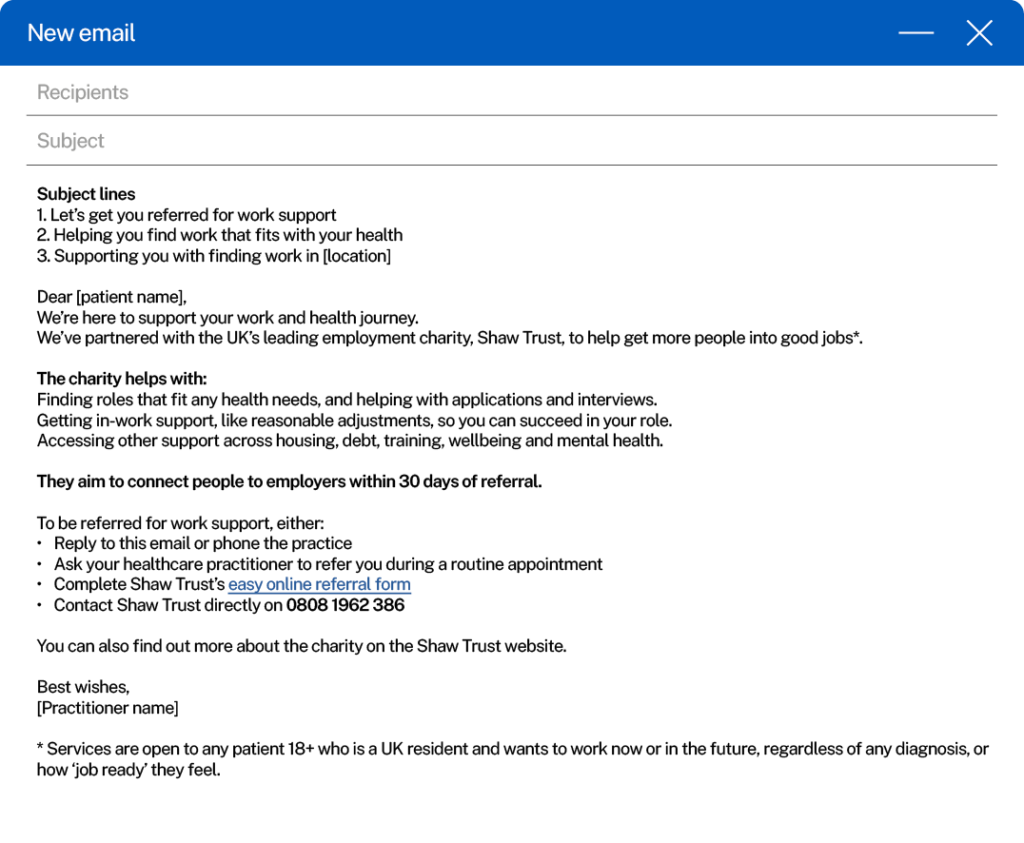
Patient email

For referrals and/or co-location services.

patient email thumbnail

Patient text message

For referrals and/or co-location services.

Text message thumbnail

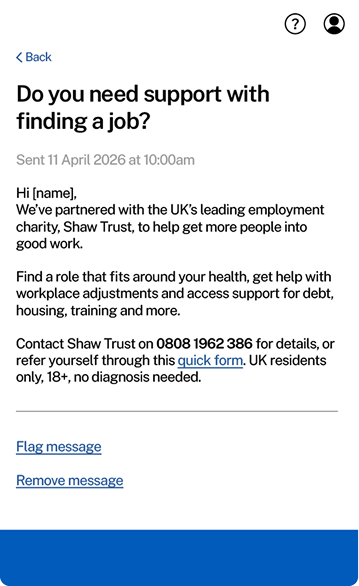
NHS app message

This text can be added to the NHS app in either scenario (whether GPs are doing co-location services and referrals, or just referrals).

NHS app message thumbnail

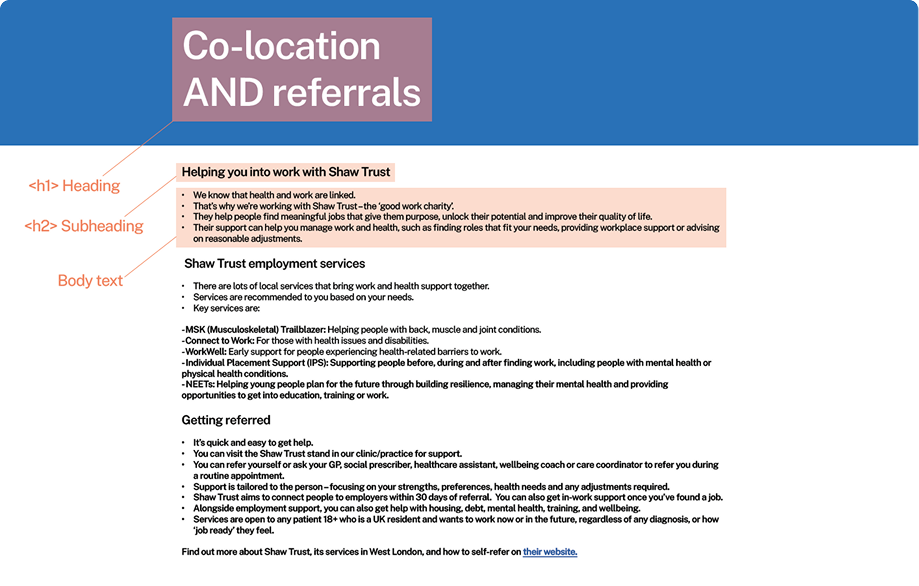
Practice web page

For referrals and/or  co-location services.

Practice web page thumbnail

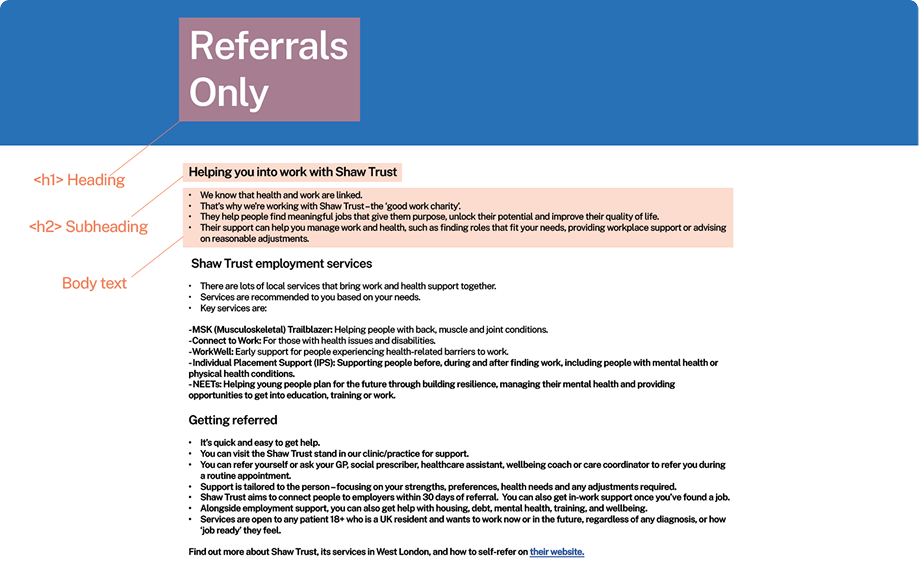
Practice web page (referrals only)

Referrals web page thumbnail

02

Assets

Logo assets

Download our Shaw Trust, MSK Trailblazer and Connect to Work logos.

Shaw trust logo
MSK Trailblazer
Connect to Work

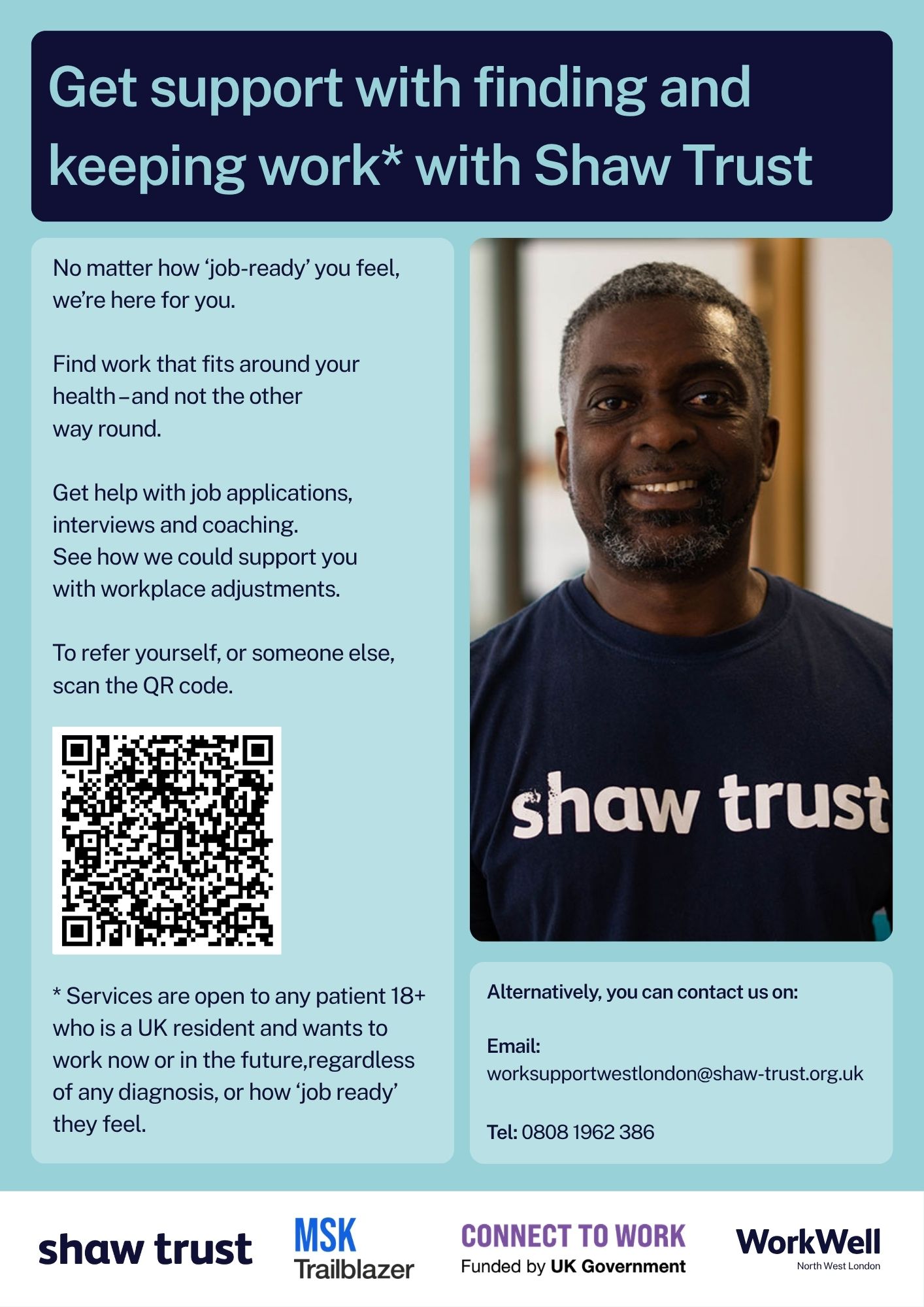
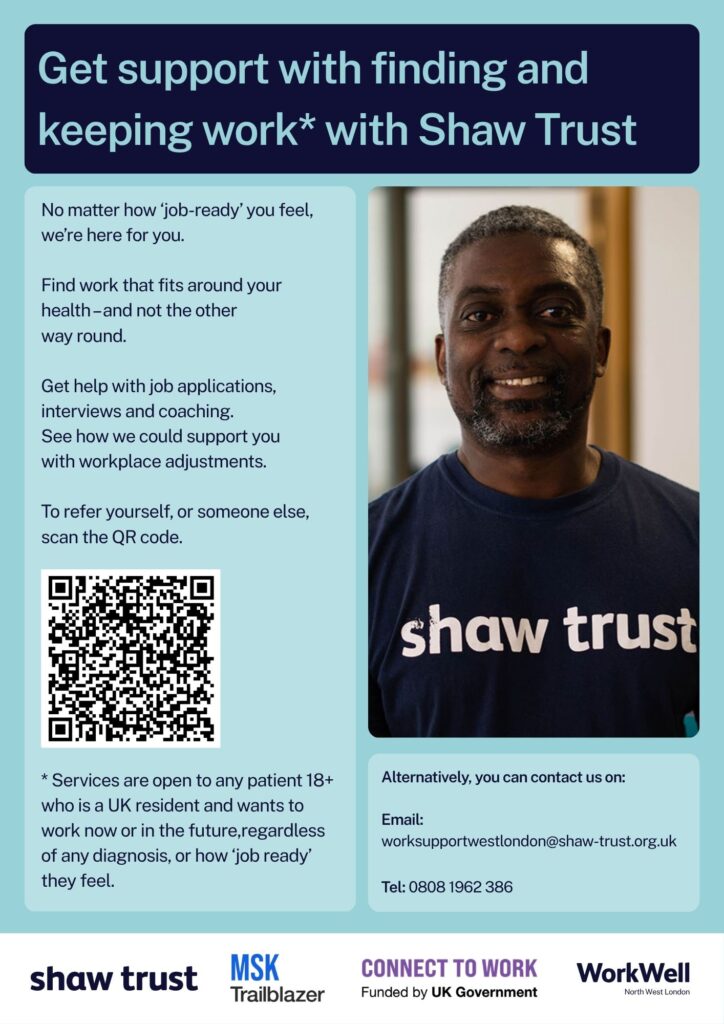
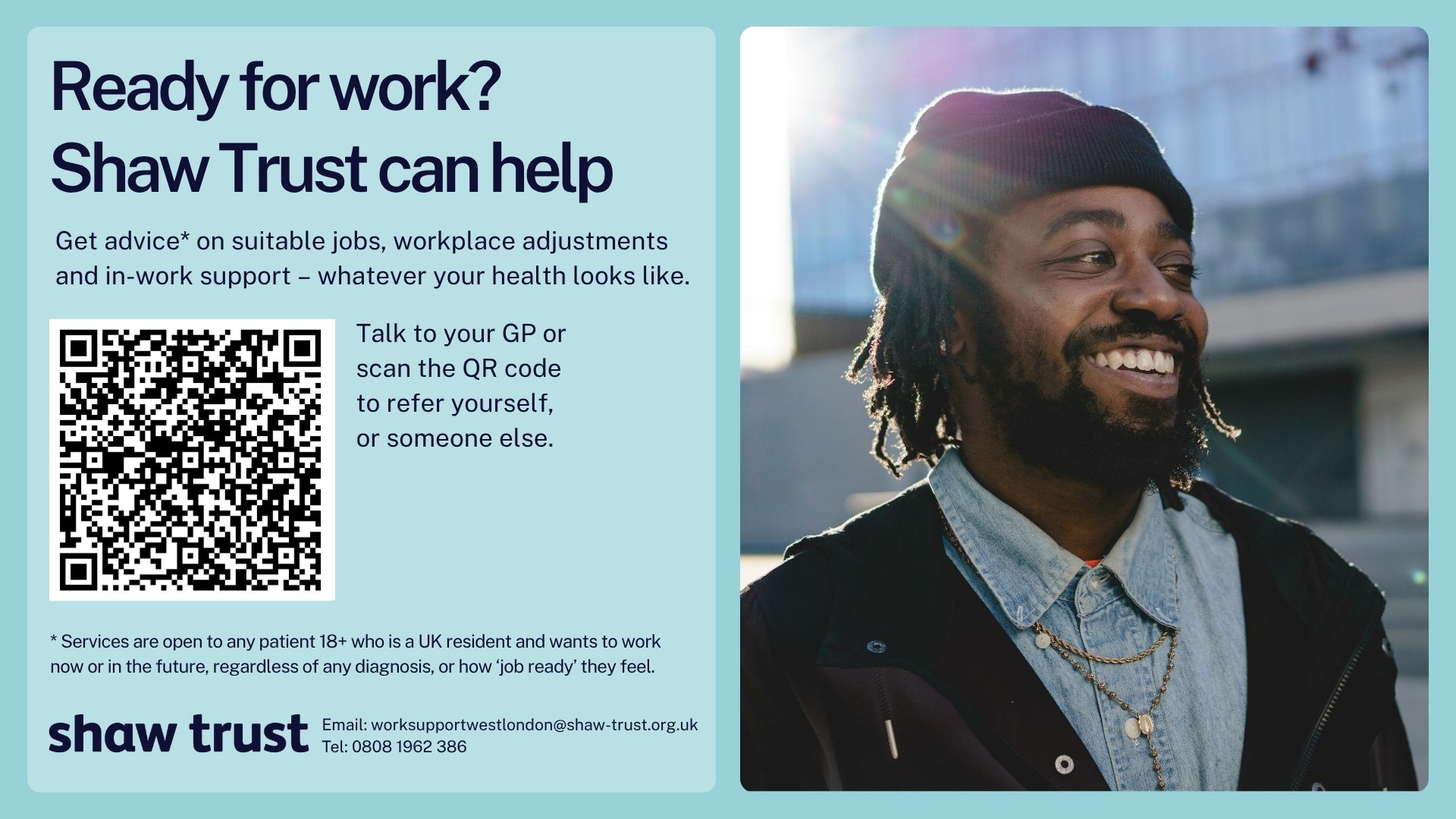
Practice poster

This poster can be displayed in surgeries/clinics/practices in either scenario (whether GPs are doing colocation
services and referrals, or
just referrals).

Practice poster guide

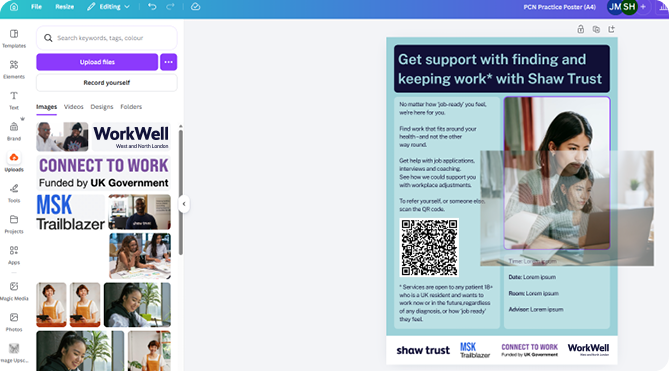
You can download the A4 or A3 poster below and edit the text for time, date, room and adviser name.

Practice poster 

Step 1: Click the link to download the assets.

Step 2: Choose either A3 or A4 size.

Step 3: View the assets in Canva.

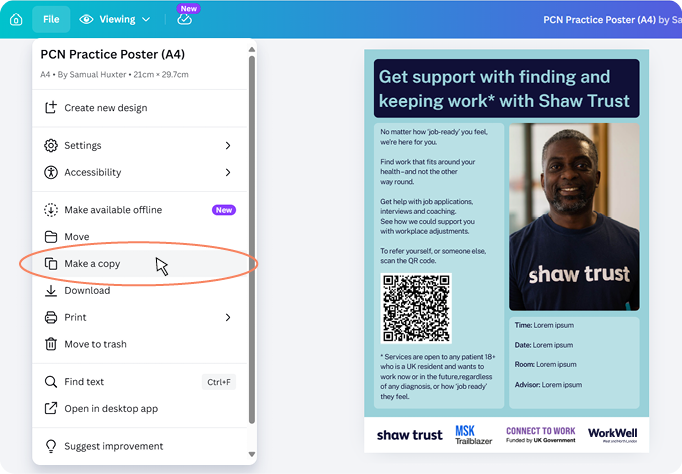
Step 4: At the top of the window, click ‘File’ then ‘Make a copy’ to save a
new, editable version.

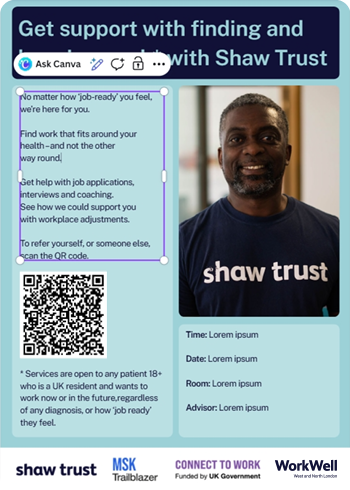
Step 5: To edit the wording, double-click on any area of text

Step 6: To change the image, click ‘Uploads’ in the left-hand panel, then ‘Upload files’. After you’ve selected an image and
it’s uploaded, it will appear in the ‘Uploads’ panel. You can then drag it across to the image to replace it.
Important: Please only use
approved images sent with this toolkit. Additionally, please only edit the text and image, without changing the layout of the poster.

Social media assets

You can download the social media assets and messaging copy below

Practice screen

For referrals and/or
co-location services.

MSK video

For referrals and/or
co-location services.

03

Imagery

People

Download our approved,
royalty-free images.

Illustrations

Download our Shaw
Trust branded illustrations.

04

Logos

Shaw Trust
logo usage

To ensure the Shaw Trust logo is always applied correctly, please follow this guidance for safe areas and minimum sizing.

Safe area: Surrounds the logo, defining an area free of graphics, text or other elements.

Safe areas

Shaw Trust clearance logo info
Shaw Trust clearance logo stacked

Minimum sizing

Page position

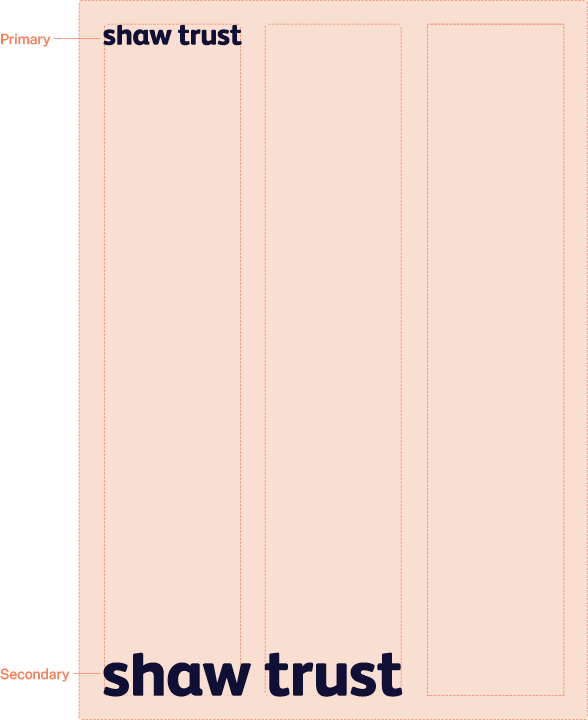
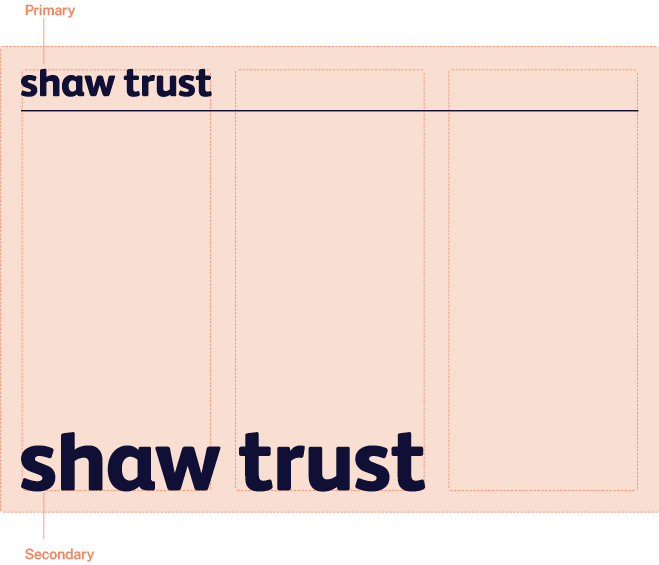
The Shaw Trust logo should always be prominent within the communication.

There are two preferred positions:

Primary: At the top of the
communication, spanning
approximately a third of the width.

Secondary: At the bottom of the communication, spanning approximately two-thirds of the width.

Shaw trust logo positioning template
Shaw trust logo positioning landscape thumbnail

Connect to Work
logo usage

Please use the clear spaces and size requirements below.

Clear space: Ensure the logo is surrounded by clear space for
visibility, defined as the height of
the ‘C’.
Logo size: Ensure the logo is not
used below 50px (digital) or 20mm in
height (print) for legibility

Safe areas

Connect to work funded by UK government logo

Minimum sizing and positioning in print

Connect to work funded by UK government logo with minimum sizing
Connect to work logo positioning

MSK Trailblazer
logo usage

Please use the clear spaces and size requirements below.

Clear space: Ensure the logo is surrounded by clear space for visibility, defined as the height of
the ‘T’.

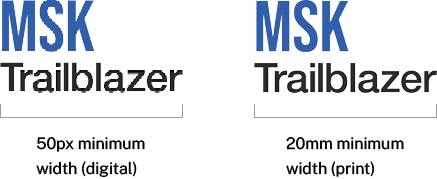
Logo size: Ensure the logo is not used
below 50px (digital) or 20mm in width
(print) for legibility.

Safe areas

MSK Trailblazer logo
MSK Trailblazer logo minimum sizing

The MSK logo can be used in a logo lockup alongside
other partner logos as shown in this example.

MSK Trailblazer logo

Workwell
logo usage

Please use the clear spaces and size requirements below.

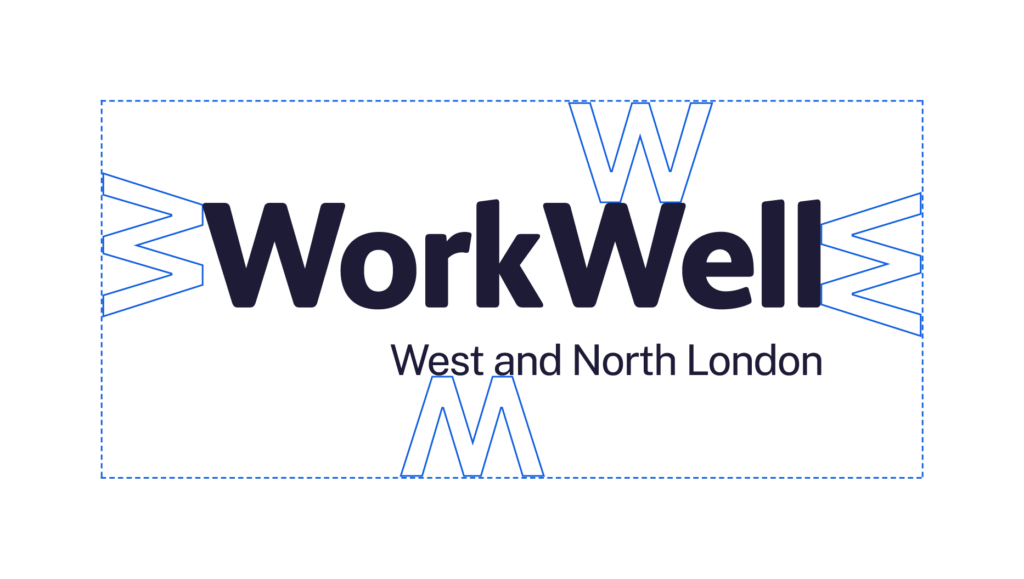
Clear space: Ensure the logo is surrounded by clear space for visibility, defined as the height of
the ‘T’.

Logo size: Ensure the logo is not used
below 50px (digital) or 20mm in width
(print) for legibility.

Safe areas

The MSK logo can be used in a logo lockup alongside
other partner logos as shown in this example.

Contact us

Phone icon

For logistical and operational support, contact:

Aggie Michalowska
Community Integration Manager

Email: Aggie.Michalowska@shaw-trust.org.uk
Mobile: 07394 029 482
Website: Work Support West London

For more support or information, contact:

Ruhul Ali
Senior Marketing & PR Officer
Email: Ruhul.ali@shaw-trust.org.uk
Mobile: 07802 492 317
Website: Work Support West London